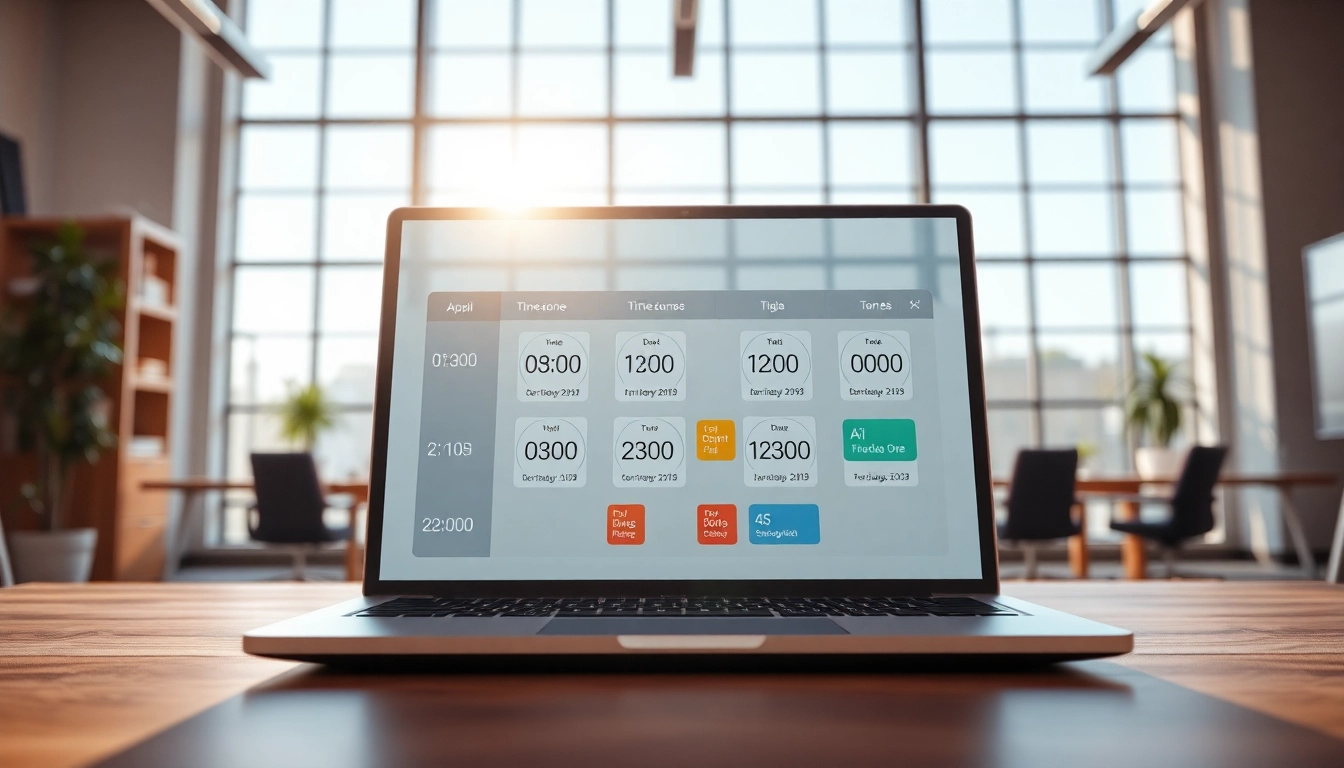
Understanding AI Scheduling with Time Zones
Definition and Importance
In today's interconnected world, where businesses operate globally, the need for efficient scheduling across different time zones has become paramount. AI scheduling with time zones refers to the use of artificial intelligence to automate and optimize meeting and appointment scheduling, accommodating varying time zones seamlessly. This technology not only enhances productivity but also fosters collaboration among remote teams, ensuring that no one is left out due to geographical differences. The importance of AI scheduling cannot be overstated; it saves time, reduces scheduling conflicts, and minimizes misunderstandings related to time conversions.
Key Features
AI scheduling tools come equipped with a variety of features designed to simplify the scheduling process. Among the key features:
- Automatic Time Zone Detection: Tools can automatically detect participants' local time zones, ensuring meetings are scheduled at convenient times for all.
- Integration with Calendars: These tools integrate seamlessly with popular calendar systems like Google Calendar and Outlook to automatically update and manage appointments.
- Conflict Resolution: Advanced algorithms analyze schedules and suggest optimal meeting times, reducing conflicts.
- Customizable Preferences: Users can set their availability and preferences, which the AI respects while suggesting meeting times.
Benefits for Businesses
The advantages of adopting AI scheduling with time zones are numerous and impactful:
- Increased Efficiency: Automating the scheduling process significantly cuts down on the time spent coordinating meetings.
- Improved Communication: Clear scheduling minimizes misunderstandings and fosters better communication across teams.
- Enhanced Collaboration: Teams can easily coordinate meetings regardless of geographical barriers, promoting a cohesive work environment.
- Cost Savings: Reducing the time spent on scheduling translates into financial gains, reallocating resources to more critical tasks.
Challenges in Scheduling Across Time Zones
Common Scheduling Conflicts
Despite the technological advances, scheduling across time zones often presents several challenges:
- Variability in Work Hours: Different countries have varying business hours, making it difficult to find common availabilities.
- Daylight Saving Time Changes: These changes can lead to confusion and missed meetings if participants forget to adjust their schedules.
- Last-Minute Changes: Urgent changes can lead to conflicts if not managed effectively across time zones.
Cultural Differences and Time Perceptions
Different cultures have varying attitudes towards time. In some cultures, punctuality is paramount, while in others, there is more flexibility. Understanding these differences is crucial when scheduling meetings:
- Time Sensitivity: For businesses operating in high-context cultures, promptness can be seen as a sign of respect, whereas in low-context cultures, flexibility is often more accepted.
- Meeting Practices: Certain cultures prefer in-person meetings over virtual ones, which can complicate scheduling for remote teams.
Strategies to Overcome Obstacles
To navigate the complexities of scheduling across time zones, organizations can adopt several strategies:
- Utilize Time Zone Management Tools: Implementing scheduling software that emphasizes time zone awareness can mitigate scheduling woes.
- Choose Standard Meeting Times: Establishing regular meeting times that accommodate all time zones can simplify coordination.
- Encourage Flexibility: Cultivating a culture of understanding and flexibility can help teams adapt to varying time constraints.
Best Practices for Using AI Scheduling with Time Zones
Integration with Existing Tools
For AI scheduling to be effective, it needs to be integrated with existing tools and platforms. This integration can include:
- Calendar Sync: The ability to sync with existing calendars ensures that no appointments are double-booked.
- Communication Platforms: Integration with chat or email platforms allows for immediate updates and notifications regarding scheduling changes.
- Data Import: Importing existing appointment data can help transition to new scheduling systems smoothly.
Setting User Preferences
Users must configure their availability and preferences within the AI scheduling tool to maximize its effectiveness. This includes:
- Availability Settings: Individuals should clearly define their working hours, including any constraints they may have.
- Time Zone Settings: It is essential to ensure that the tool accurately reflects the user's local time settings.
- Meeting Preferences: Users can specify preferences such as preferred durations for meetings and ideal break periods.
Maintaining Clear Communication
Effective communication is vital when coordinating meetings across different time zones:
- Confirming Attendance: Using an AI tool can help confirm meeting attendance through automated reminders.
- Feedback Loops: Encouraging team members to provide feedback on scheduling preferences can help refine processes over time.
- Transparent Policies: Maintaining clear policies around scheduling can help mitigate misunderstandings and errors.
Implementing AI Scheduling Solutions
Choosing the Right Software
Selecting the appropriate AI scheduling software involves evaluating several factors:
- Scalability: The software should be able to grow with your business and handle increased scheduling demands.
- Usability: An intuitive interface will facilitate quicker adoption among team members.
- Features Comparison: Compare features such as automatic time zone detection and integration capabilities among different solutions.
Configuration and Setup Steps
Once the right software is chosen, it is important to execute a proper setup:
- Install the Software: Follow the installation instructions provided by the software platform.
- Configure User Profiles: Set up individual user profiles to reflect availability and preferences accurately.
- Test the System: Conduct a few trial scheduling sessions to identify any potential issues before full deployment.
Monitoring and Adjustment
After implementation, continuous monitoring and adjustment are necessary:
- Analytics and Reports: Leverage built-in analytics to assess the effectiveness of scheduling practices.
- User Feedback: Regularly solicit feedback from users to identify pain points and areas for improvement.
- Ongoing Training: Provide ongoing training sessions to ensure users remain familiar with the software's latest features.
Measuring the Success of AI Scheduling
Key Performance Indicators
To measure the success of AI scheduling solutions, organizations should track key performance indicators (KPIs) such as:
- Reduction in Scheduling Conflicts: Analyzing how many meetings are disrupted or rescheduled can provide insight into the system's effectiveness.
- User Adoption Rates: Monitoring how frequently team members use the software helps gauge its acceptance.
- Time Savings: Calculating the amount of time saved through automated scheduling can demonstrate tangible benefits.
User Feedback and Experience
Collecting and analyzing user feedback can yield valuable insights:
- Satisfaction Surveys: Conduct periodic surveys to measure user satisfaction levels with the scheduling tool.
- Usage Patterns: Observing how users interact with the tool can highlight popular features versus those that are less utilized.
- Support Requests: Analyzing support tickets can help identify common issues or questions that may need addressing.
Continuous Improvement
AI scheduling is not a set-it-and-forget-it solution. Continuous improvement is crucial:
- Regular Updates: Ensure the scheduling software is regularly updated with new features and improved algorithms.
- Enhancement Iterations: Make adjustments based on user feedback and performance metrics to enhance the scheduling experience.
- Stay Informed: Keeping abreast of new scheduling trends and technologies can help organizations adapt and thrive.
FAQs
What is AI scheduling with time zones?
AI scheduling with time zones automates meeting planning, considering different time zones to facilitate global collaboration efficiently.
How does AI detect time zones automatically?
AI tools often leverage IP addresses or local device data to automatically recognize and respect users' time zones during scheduling.
Can AI scheduling integrate with my current calendar?
Most AI scheduling tools seamlessly integrate with popular calendar applications such as Google Calendar and Outlook for ease of use.
What are common challenges in scheduling time zones?
Common challenges include time variability, daylight saving adjustments, and cultural differences affecting time perceptions.
How can I measure the effectiveness of AI scheduling?
Effectiveness can be measured through KPIs like scheduling conflict reduction, user feedback, and time savings in the scheduling process.